 DISP
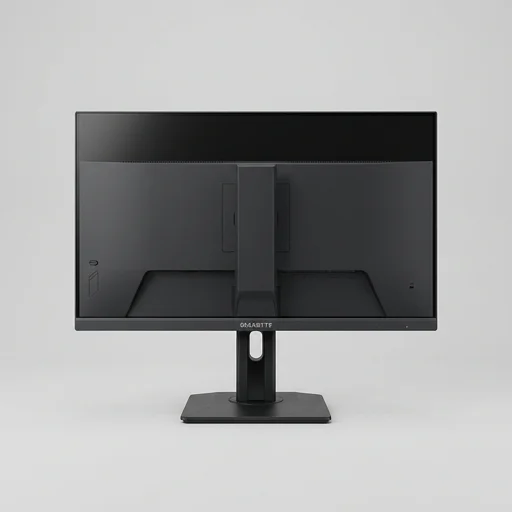
DISPGigabyte M27Q
- 170Hz QHD gaming
- Built-in KVM switch
- USB-C with power delivery
The Gigabyte M27Q delivers a compelling blend of sharp QHD resolution, fast 170Hz refresh rate, and practical connectivity like a built-in KVM switch and USB-C, making it an excellent value pick for gamers and…
- Panel TypeIPS
- Resolution2560x1440 (QHD)
- Refresh Rate170Hz
As an Amazon Associate we earn from qualifying purchases.
// Datasheet
Technical specifications
| Panel Type | IPS |
|---|---|
| Resolution | 2560x1440 (QHD) |
| Refresh Rate | 170Hz |
| Response Time | 0.5ms (MPRT) |
| Connectivity | USB-C (18W PD), DisplayPort, HDMI, KVM switch |
// Verdict
Our take
The Gigabyte M27Q delivers a compelling blend of sharp QHD resolution, fast 170Hz refresh rate, and practical connectivity like a built-in KVM switch and USB-C, making it an excellent value pick for gamers and multitaskers who want performance without a premium price tag. Minor ergonomic and calibration quirks are easily outweighed by its strong overall package.
// Trade-offs
Pros and cons
+What we like
- Sharp, vibrant QHD IPS panel with wide viewing angles
- Excellent 170Hz performance for fast-paced gaming
- Handy built-in KVM switch for multi-PC setups
- USB-C connectivity simplifies cabling for laptops
- Competitive price for the feature set
−Watch out for
- Stand offers tilt only, no height or swivel adjustment
- No built-in speakers of note (weak if present)
- Some unit-to-unit variance in factory color calibration
- Menu navigation via rear joystick/buttons can feel fiddly
// Feature set
Key features
- 0127-inch QHD (2560x1440) IPS display
- 02170Hz refresh rate with 0.5ms (MPRT) response time
- 03Built-in KVM switch for controlling two PCs with one keyboard/mouse
- 04USB Type-C port with 18W power delivery
- 05Tactile control switches on the rear for quick OSD adjustments
- 06AMD FreeSync Premium and support for variable refresh rate
// Long read
Full review
The Gigabyte M27Q stands as one of the most compelling choices for PC builders and gamers who want serious performance without the premium markup of flashier competitors. At its core is a 27-inch IPS panel running at QHD 2560x1440 resolution, striking a sharp balance between pixel density and usability that makes text crisp and images detailed without demanding a monstrous GPU to drive it. The 170Hz refresh rate, paired with a 0.5ms MPRT response time, gives competitive gamers the fluidity they crave, while the IPS technology ensures wide viewing angles and accurate color reproduction that also suits content creators doing photo or video work on the side. Support for both FreeSync Premium and compatibility with adaptive sync technologies means screen tearing becomes a non-issue whether paired with an AMD or NVIDIA graphics card.
Build quality and thoughtful design details set the M27Q apart from many monitors in its price bracket. The matte-finish stand allows tilt, height, and swivel adjustments, letting users dial in ergonomics for long building sessions or marathon gaming nights, and the slim bezels make it a strong candidate for multi-monitor setups common in custom PC builds. Gigabyte also included a KVM switch, a feature rarely found at this price point, which lets users control two separate systems with a single keyboard and mouse setup, a genuine convenience for anyone running a main gaming rig alongside a work or streaming machine. Connectivity is generous as well, with DisplayPort and dual HDMI 2.0 inputs, along with a USB-C port capable of both video signal and power delivery, making it versatile for laptops, consoles, and desktop builds alike.
What truly makes the M27Q resonate within the PC components and custom build community is its reputation for punching above its price class. Gigabyte integrated features like a built-in headphone amplifier, customizable RGB lighting on the rear panel, and an on-screen display navigation joystick that simplifies tuning picture settings without digging through clunky menus. The monitor's factory color calibration is tuned well enough out of the box for most users, though it also supports further fine adjustments for those chasing exact sRGB accuracy. Combined with its competitive price point relative to rivals offering similar specs, the Gigabyte M27Q has become a go-to recommendation for builders assembling a balanced, high-refresh gaming rig or a productivity-focused workstation that still wants headroom for after-hours gaming.
// Alternatives
More monitors to compare
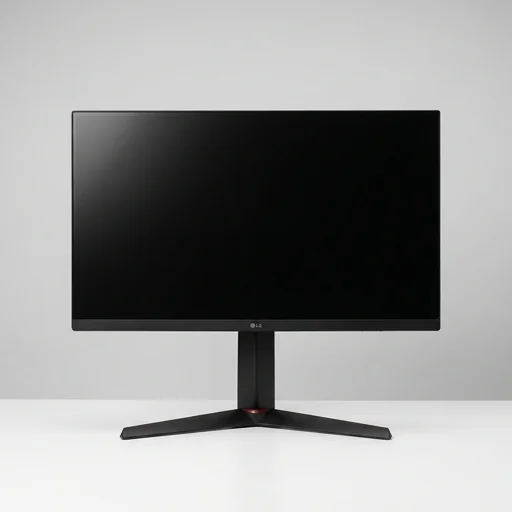 DISPLG UltraGear 27GL850-BFast 1ms response4.5
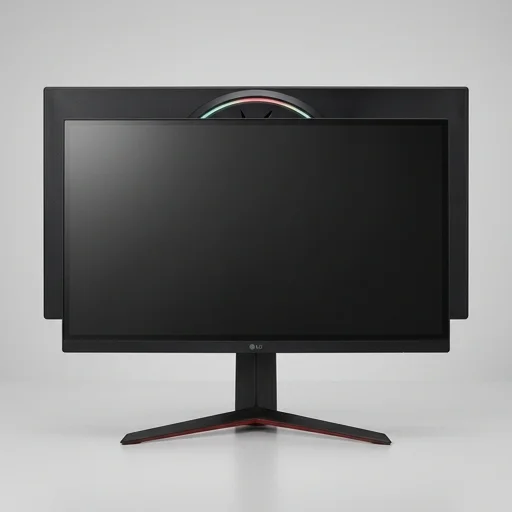 DISPLG UltraGear 27GP950-B4K clarity at 144Hz4.5
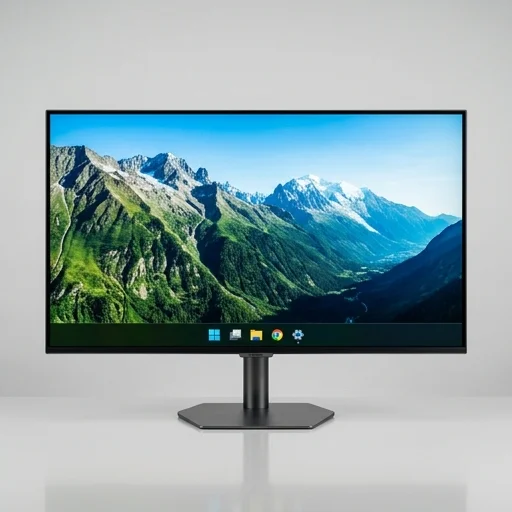 DISPSamsung QN90C Neo QLED 4KMini-LED 4K contrast4.5
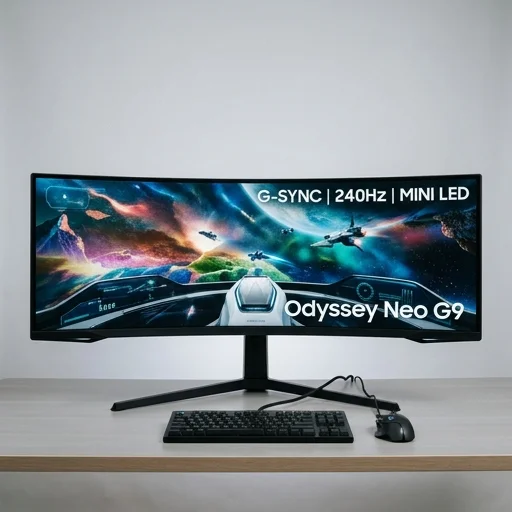 DISPSamsung Odyssey Neo G9Dual QHD 240Hz gaming4.6
// Complete the build